Website vulnerabilities are weaknesses that hackers can exploit to gain access, steal data, or break your site. Many small business websites are targeted not because they’re special, but because they’re easy.
The good news is that most vulnerabilities are common and preventable.
1. Outdated Software
One of the most common vulnerabilities.
This includes:
-
outdated WordPress versions
-
old themes
-
unused or unpatched plugins
Hackers often exploit known issues in old software.
How to avoid it:
Keep WordPress, themes, and plugins updated. Delete anything you’re not using.
2. Weak Passwords
Simple passwords are easy to guess.
Examples of weak passwords:
-
short passwords
-
reused passwords
-
common words or names
How to avoid it:
Use long, unique passwords and consider a password manager.
3. No Two-Factor Authentication (2FA)
Without 2FA, a stolen password is enough to break in.
How to avoid it:
Enable two-factor authentication so logins require both a password and a code from your phone.
4. Too Many Plugins
Each plugin adds potential risk.
Problems occur when plugins are:
-
poorly coded
-
outdated
-
no longer supported
How to avoid it:
Only install plugins you actually need and remove inactive ones completely.
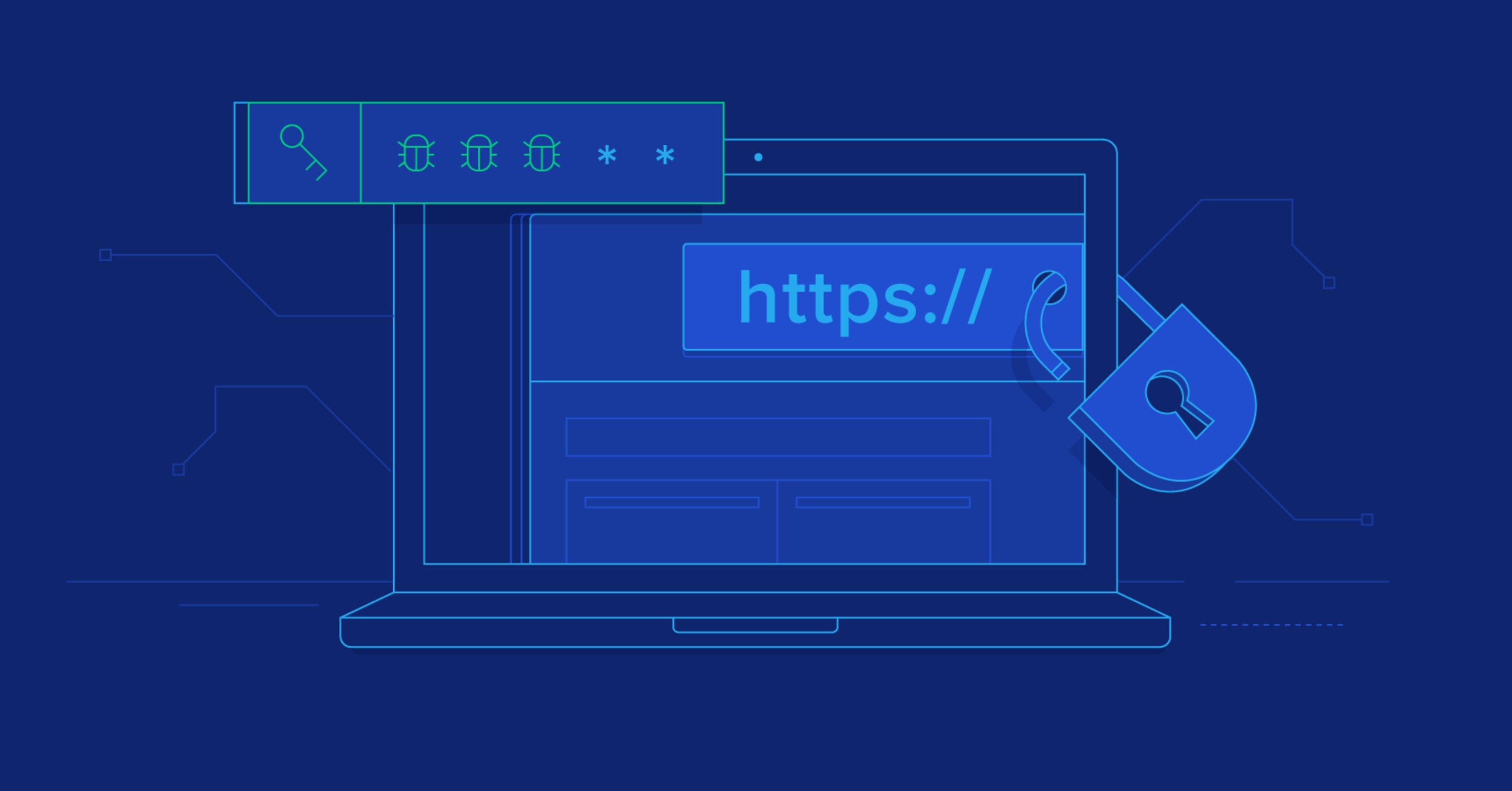
5. Lack of HTTPS (SSL Certificate)
Websites without HTTPS expose data.
This can:
-
make your site less trusted
-
expose form submissions
-
hurt search engine rankings
How to avoid it:
Use an SSL certificate so your site loads as HTTPS. Most hosting providers include this for free.
6. No Regular Backups
Without backups, recovery can be difficult or impossible.
If your site is hacked or breaks:
-
content can be lost
-
downtime can be long
-
costs can increase
How to avoid it:
Set up regular automatic backups and store them offsite.
7. Poor Hosting Security
Cheap or low-quality hosting can expose your site to risks.
Issues may include:
-
shared servers with unsafe sites
-
weak firewall protection
-
slow response to security threats
How to avoid it:
Use reputable hosting with strong security measures and monitoring.
8. Open User Permissions
Giving too many people admin access increases risk.
How to avoid it:
Only give access to people who need it and use the lowest permission level required.
9. No Security Monitoring
Attacks often go unnoticed until damage is done.
How to avoid it:
Use a security plugin to monitor activity and alert you to suspicious behaviour.
10. No Maintenance Plan
Websites need ongoing care.
Without maintenance:
-
updates are missed
-
issues build up
-
vulnerabilities increase
How to avoid it:
Schedule regular maintenance or work with a professional to keep everything secure.
Final Thoughts
Most website vulnerabilities come from neglect, not complexity. Keeping your site updated, secure, and monitored drastically reduces risk.
For small businesses, prevention is always cheaper than recovery.
At SwiftSites, we build and maintain websites with security best practices in place. This way, your website stays safe, reliable, and professional.